
Stock Areas in OrderMate are used to organise and manage stock held in different areas of a venue, such as the kitchen, bar or storeroom. Creating separate Stock Areas allows inventory to be tracked and managed independently, making stocktakes, daily stock management and inventory reporting more accurate. This guide explains how to create and manage Stock Areas.
Viewing Existing Stock Areas
-
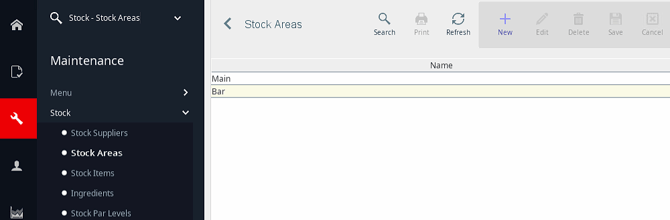
Navigate to Stock Areas in the navigation panel in OfficeMate

-
A list of existing stock areas will be displayed
Creating a New Stock Area
-
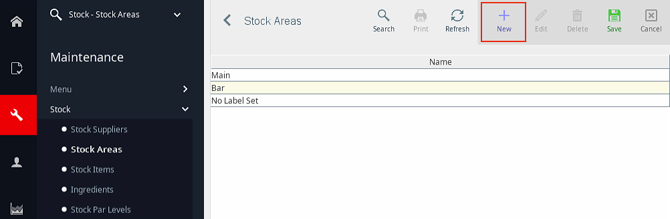
To create a new stock area, choose the 'New icon from the top of the screen. A new item will be created and shown as No Label Set (as below)
-
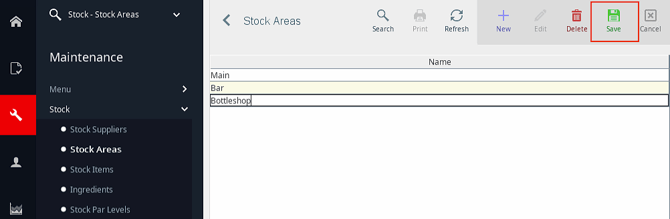
Select in the new field and name the stock area
-
Choose the save icon from the top of the screen
Video Tutorial